
Have you ever wondered how your fitness app knows exactly how many steps you take each day? It feels almost like magic, right?
But behind this simple number lies smart technology working quietly on your phone or watch. Understanding how your app tracks your steps can help you trust the data and stay motivated to move more. Keep reading to discover the surprising science and clever tools that make your step count so accurate—and how you can use this knowledge to reach your fitness goals faster.
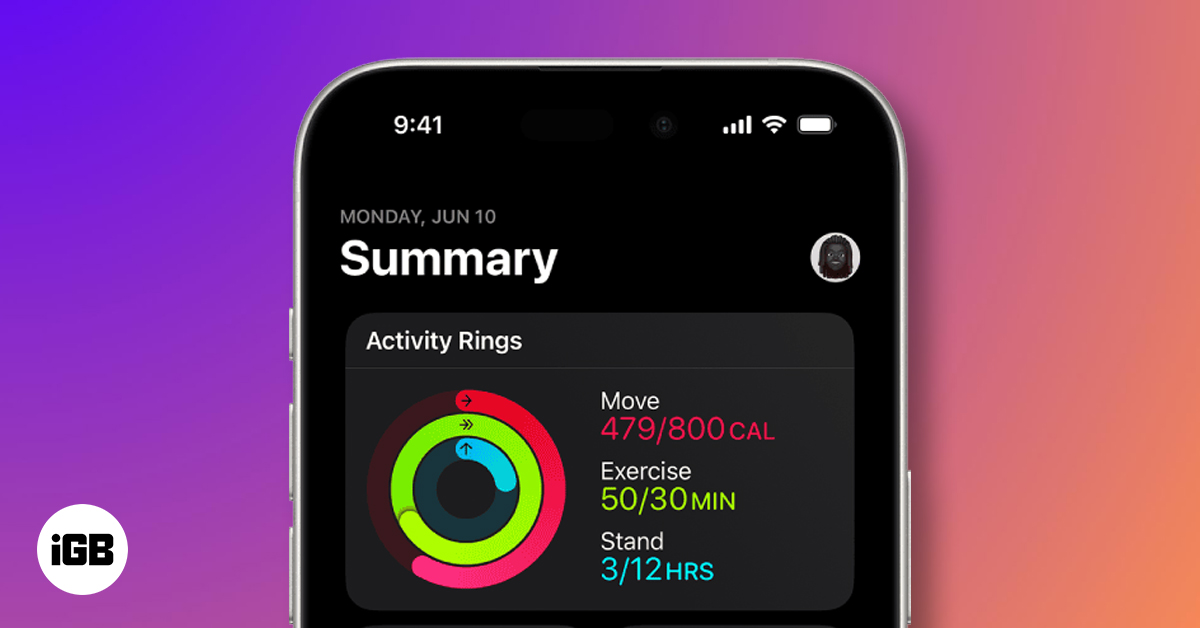
Credit: www.igeeksblog.com
Step Counting Technology
Step counting technology powers the way fitness apps monitor your daily activity. It uses a mix of sensors and data to accurately record each step you take. Understanding how this technology works helps you trust the numbers on your screen and push yourself further.
Accelerometers And Gyroscopes
Inside your phone or fitness tracker, accelerometers detect movement by measuring changes in speed and direction. These sensors capture the subtle shifts when your foot hits the ground, translating motion into step counts.
Gyroscopes complement accelerometers by tracking rotation and orientation. Together, they distinguish between walking, running, or shaking your device, reducing false step counts. Have you noticed how your app rarely counts steps when you’re just tapping or driving? That’s these sensors working quietly in the background.
Role Of Gps Systems
GPS adds another layer of accuracy by mapping your location and distance traveled. It’s particularly useful for outdoor activities like running or hiking where distance matters as much as step count.
However, GPS can drain your battery quickly and isn’t as reliable indoors. That’s why your fitness app smartly switches between GPS and sensor data depending on your environment, keeping your step tracking both precise and efficient.

Credit: apps.apple.com
Data Processing Algorithms
Fitness apps rely on data processing algorithms to turn raw sensor data into accurate step counts. These algorithms analyze signals from your phone or wearable device to identify real steps. They separate useful information from random movements and errors. The result is a reliable step tracking experience that helps users monitor their daily activity effectively.
Filtering Out Noise
Devices collect many signals, including unwanted ones. Noise includes random shakes, vibrations, or sudden jerks. Algorithms filter out this noise to focus on true walking patterns. They use thresholds and smoothing techniques to ignore small or erratic movements.
This process improves accuracy by reducing false step counts. It ensures the app only counts real steps, not accidental motions.
Step Detection Techniques
Step detection uses patterns in sensor data, mainly from accelerometers. Algorithms look for peaks or changes that match human walking rhythms. Common techniques include:
- Peak detection: Identifying repeated spikes in acceleration
- Zero-crossing: Tracking when acceleration crosses a baseline
- Machine learning: Using models trained on walking data
Combining these methods helps apps count steps more accurately across different walking styles.
Integration With Smartphones
Integration with smartphones is what makes fitness apps so powerful in tracking your steps. Your phone acts as the central hub, collecting and processing data from various sensors and devices. This seamless connection helps you get accurate step counts and meaningful insights without extra effort.
Bluetooth Connectivity
Bluetooth is the invisible link between your fitness app and other devices like smartwatches or fitness bands. It allows real-time data transfer without wires, keeping your step count updated constantly.
Imagine walking around all day, and your smartwatch keeps sending step data to your phone automatically. You don’t have to open the app or press any button. This wireless connection ensures your progress is tracked even when you’re on the move.
Have you noticed how your step count sometimes jumps when you switch devices? That’s Bluetooth syncing working behind the scenes to combine data from multiple sources for accuracy.
App Synchronization
App synchronization is the process where your fitness app matches data with your smartphone’s internal sensors. Most smartphones come with built-in accelerometers and gyroscopes that detect your movements.
Your app pulls this data and syncs it regularly, so your step count stays up to date. This happens automatically in the background, requiring no extra action from you.
It’s similar to how you sync your contacts or calendars across devices. The fitness app ensures that whether you check your phone, tablet, or smartwatch, your step information looks the same everywhere.
Have you ever paused a workout on one device and resumed it on another? That’s app synchronization keeping your fitness journey continuous and smooth.
Accuracy And Limitations
Fitness apps track your steps using sensors in your smartphone or wearable device. They count each step by detecting movement patterns. Accuracy depends on many factors that influence how well the app reads your activity. Understanding these helps set the right expectations for step tracking.
Factors Affecting Accuracy
- Device placement: Steps count better when the device is on your wrist or in your pocket.
- Walking style: Different stride lengths or uneven walking can confuse sensors.
- Sensor quality: Higher quality accelerometers provide more precise step counts.
- Activity type: Running, walking, or climbing stairs may be tracked differently.
- Phone model and software: Older devices or outdated apps might track less accurately.
Common Limitations
- False positives: Movements like shaking or driving can register as steps.
- Missed steps: Slow or very small steps may not be counted.
- Battery usage: Continuous tracking drains battery faster.
- Data syncing: Steps may not update immediately across devices.
- Environmental factors: Rough terrain or carrying heavy loads affect sensor readings.
Privacy And Data Security
Privacy and data security are key concerns when fitness apps track your steps. These apps collect personal information that must stay safe from unauthorized access. Protecting this data builds trust and keeps your information private.
Data Encryption Methods
Fitness apps use encryption to protect your step data. Encryption scrambles data so only authorized users can read it. This process stops hackers from stealing your information during transfer or storage.
Common encryption methods include:
- SSL/TLS for secure data transmission
- AES encryption to protect stored data
- End-to-end encryption to keep data private between devices
These techniques ensure your step counts stay secure on servers and your phone.
User Consent And Permissions
Apps ask for permission before collecting step data. This lets you control what data the app can access. Clear consent forms explain how your information will be used.
Permissions typically cover:
- Access to motion sensors or health data
- Sharing data with third-party services
- Notifications about data use and privacy policies
You can usually change permissions in your device settings. This control helps protect your privacy while using fitness apps.
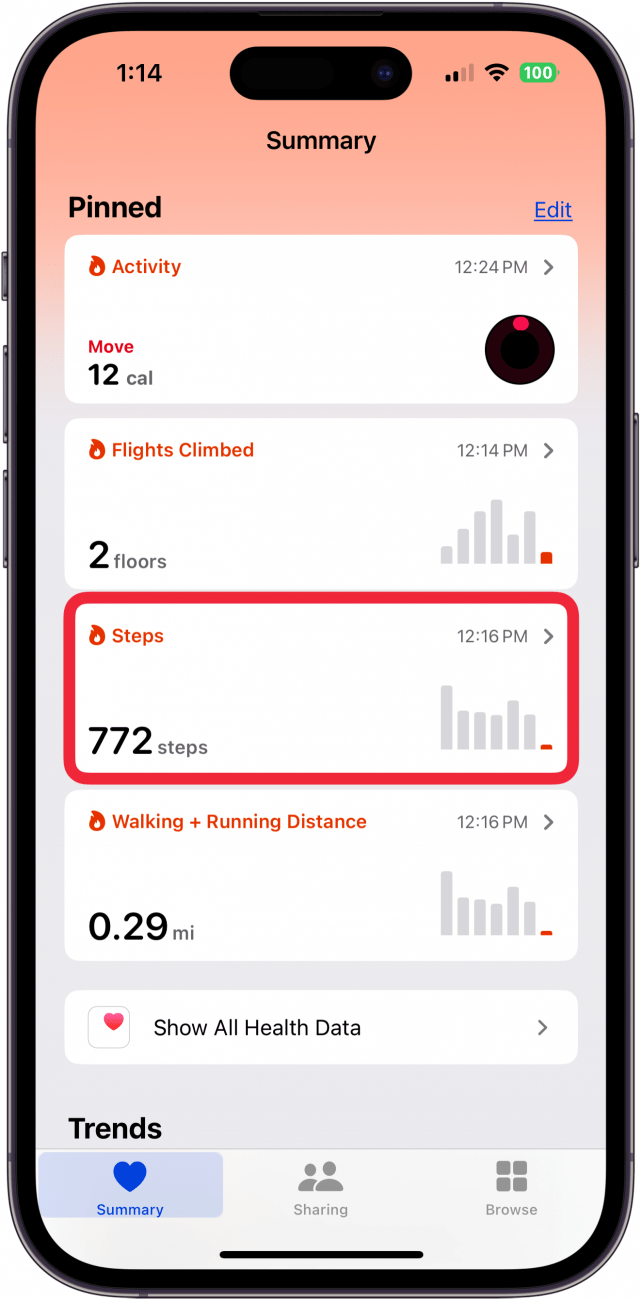
Credit: www.iphonelife.com
Future Of Step Tracking
Step tracking has already become a vital part of staying active, but its future holds even more exciting possibilities. As technology evolves, the way your fitness app counts and analyzes steps will become smarter and more personalized. Imagine a system that not only tracks your movement but understands your body and lifestyle like never before.
Advancements In Sensor Technology
New sensors are getting smaller, more accurate, and energy-efficient. These improvements mean your device can track steps more precisely, even during complex movements like dancing or hiking on uneven terrain.
Some sensors will soon be able to detect the type of activity automatically—whether you’re walking, running, or climbing stairs—without you needing to switch modes.
Have you ever wondered how much more you could achieve if your device could recognize subtle changes in your pace or gait? This will help tailor your workouts to your real needs.
Integration With Health Monitoring
Step tracking won’t stand alone; it will connect deeply with other health data like heart rate, sleep quality, and stress levels. This integration provides a fuller picture of your overall wellness.
For instance, your app might suggest resting when it notices high stress combined with low activity, encouraging smarter recovery days. Or it could alert you to increase movement if your heart rate stays elevated for too long while inactive.
This kind of personalized insight can help you make better daily choices, improving both fitness and health over time. What if your step tracker became your personal health coach?
Frequently Asked Questions
How Does A Fitness App Count My Steps?
Fitness apps use your phone’s built-in accelerometer to detect movement. They analyze motion patterns to differentiate steps from other activities. This data is processed to provide accurate step counts throughout the day.
Can Fitness Apps Track Steps Without Gps?
Yes, fitness apps primarily rely on sensors like the accelerometer and gyroscope, not GPS. These sensors detect your motion and count steps, even indoors or without location tracking.
Are Fitness App Step Counts Accurate?
Step counts are generally accurate but can vary by device and app. Factors like phone placement and walking style may affect precision. Most apps use advanced algorithms to improve reliability.
Do Fitness Apps Track Steps All Day Automatically?
Most fitness apps run in the background to track steps continuously. They automatically record your movement without manual input, providing a complete daily activity overview.
Conclusion
Fitness apps use sensors to count your steps accurately. They track your movement throughout the day. This helps you stay aware of your activity levels. Knowing your steps can motivate you to walk more. Apps also show trends and progress over time.
They make staying active easier and more fun. Understanding how they work helps you trust the data. Keep moving, and let your app guide you. Small steps add up to big health benefits.







