
Have you ever finished a workout, glanced at your Apple Watch, and wondered if you could adjust the recorded time? Maybe you paused for a chat, or perhaps the timer kept running while you were cooling down.
Whatever the reason, knowing how to edit your workout time can help keep your fitness stats accurate. If you’ve ever felt frustrated by this, you’re not alone. We’ll dive into whether you can tweak that workout time on your Apple Watch.
Stay with us, and discover how you can take control of your workout data and make sure it truly reflects your efforts.
Credit: medium.com
Workout Time On Apple Watch
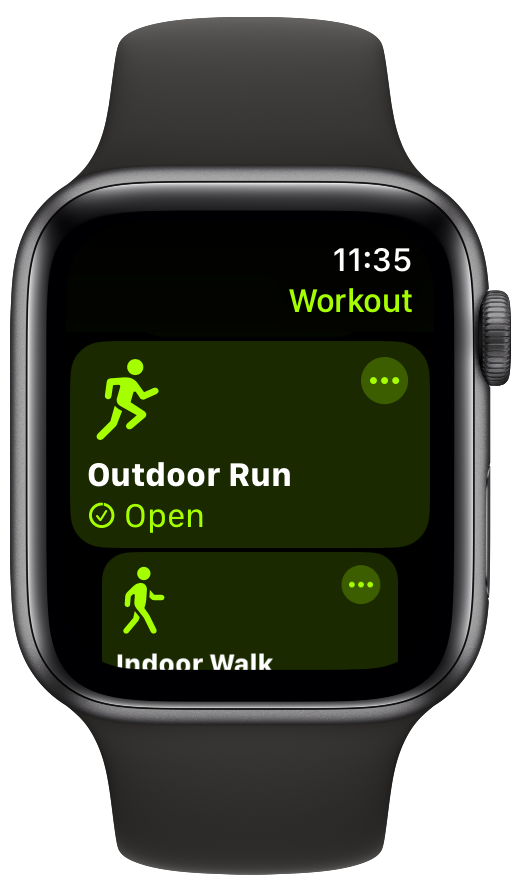
The Apple Watch tracks your workout time automatically. It records the start and end time when you begin and finish a workout session. This tracking helps you see how long you exercise each day.
Knowing your workout time is useful for staying motivated and reaching fitness goals. The Apple Watch also calculates calories burned, distance, and heart rate based on this time.
How Workout Duration Is Tracked
The Apple Watch uses sensors to detect movement and heart rate. It starts timing when you select a workout or begin moving. The watch pauses if you stop moving for a long time.
It measures time continuously during the workout session. This includes active exercise and brief rest periods unless you manually pause it.
Common Reasons To Edit Workout Time
Sometimes, the recorded workout time may be incorrect. You might start the workout late or forget to stop it on time. The watch could also pause automatically without your notice.
Editing workout time fixes these errors. It helps keep your fitness data accurate. You can adjust the duration to better match your actual exercise.
Limitations On Editing Workouts
Editing workout time on your Apple Watch isn’t as straightforward as you might hope. While the device tracks your exercise automatically, there are limits to how much you can adjust your workout details directly on the watch itself. Understanding these restrictions helps you manage your fitness data more effectively and avoid frustration.
What Apple Watch Allows
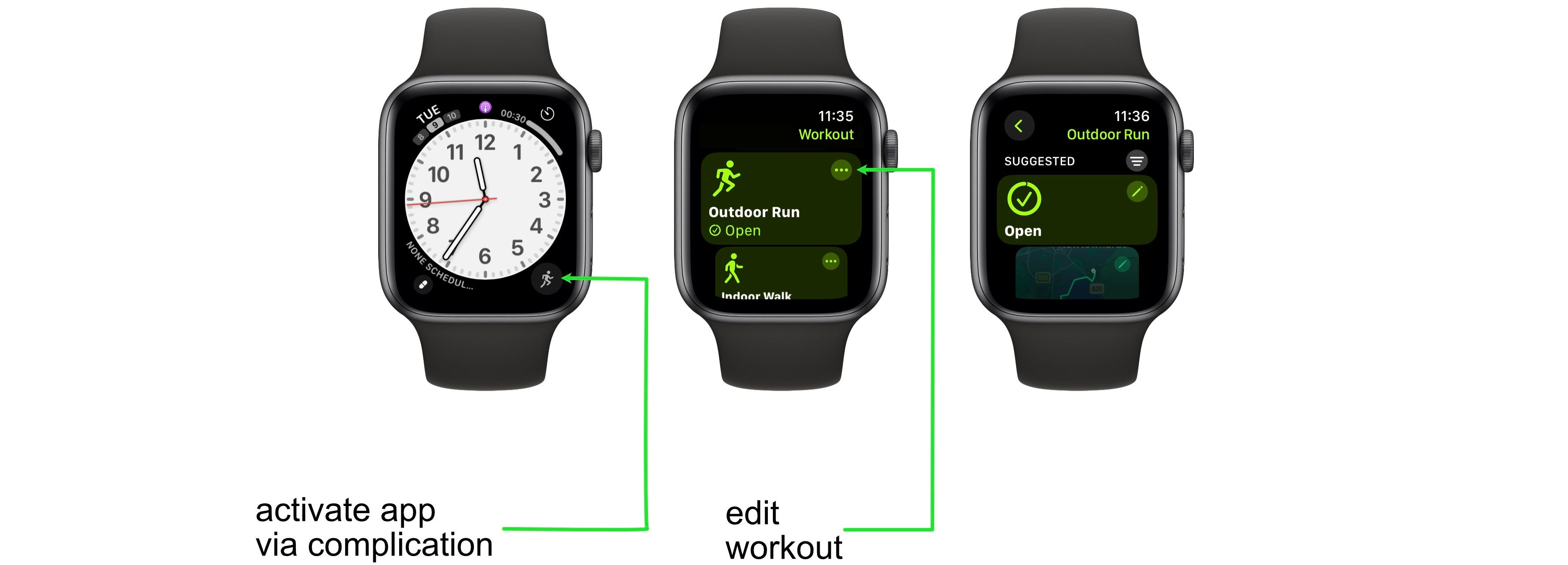
Your Apple Watch lets you start, pause, and end workouts manually, which means you can control the timing as you exercise. You can also delete a workout entirely if it was recorded by mistake, but that’s about as much direct editing as the watch supports.
If you notice a small discrepancy in your workout duration, you won’t find an option to tweak the start or end times on the watch. The device focuses on capturing data in real-time rather than allowing post-workout edits.
What Requires Iphone Or Third-party Apps
To edit workout times after the fact, you need to use your iPhone or a third-party app connected to Apple Health. The Health app lets you manually add workouts with customized times, but it does not allow changing the duration of workouts recorded by the watch.
Third-party apps like HealthFit or RunGap offer more flexibility. They allow you to adjust workout times and other details, which is handy if you forgot to stop your workout or want to correct inaccurate data.
Have you ever finished a run but forgot to stop the workout on your watch? Using these apps can save your stats from becoming skewed and give you accurate progress tracking.
Editing Workout Time On Iphone
Editing workout time on your iPhone can be a real game-changer if your Apple Watch didn’t capture the duration correctly. Instead of starting the workout over or letting inaccurate data sit in your history, you can quickly make corrections. This helps keep your fitness records accurate and meaningful.
Using The Health App
The Health app on your iPhone is where all your fitness data is stored and managed. It allows you to view, add, and edit workout details synced from your Apple Watch. Adjusting workout time here helps ensure your activity logs reflect your actual efforts.
To get started, open the Health app and tap on the “Browse” tab. Then select “Activity” and find “Workouts.” Here, you’ll see a list of all your recorded exercises. Tapping on a specific workout lets you view detailed information, including the duration.
Steps To Adjust Workout Duration
- Open the Health app on your iPhone.
- Tap the “Browse” tab at the bottom.
- Select “Activity,” then choose “Workouts.”
- Find and tap the workout you want to edit.
- Tap “Edit” in the upper right corner.
- Change the start and end times to reflect the accurate workout duration.
- Tap “Done” to save your changes.
Have you ever noticed your workout time looking off after a quick break or a phone call? Adjusting those times can make your progress tracking more precise. This small fix helps you stay honest with yourself about your daily activity and keeps your fitness goals on track.
Using Third-party Apps
Using third-party apps allows more control over workout data on your Apple Watch. These apps offer options to edit workout time and details. They sync with Apple Health to keep your fitness records accurate. Editing workouts directly on the Apple Watch is limited, but third-party apps fill the gap. They help adjust workout duration, calories, and other metrics with ease.
Popular Apps For Workout Editing
- HealthFit: Simple interface for editing and exporting workouts.
- Workout++: Offers detailed editing of workout time and heart rate zones.
- RunGap: Syncs with many fitness platforms and allows workout modification.
- Strava: Popular for runners and cyclists, supports editing activities.
- MyFitnessPal: Integrates nutrition and workout data, with some editing features.
Features And Benefits
- Edit workout duration to correct start or end times.
- Adjust calorie counts for more accurate tracking.
- Modify heart rate zones to match actual effort levels.
- Sync edited workouts with Apple Health and other apps.
- Export workouts in multiple formats for sharing or backup.
Tips To Prevent Workout Time Errors
Accurate workout time tracking enhances your fitness progress. Avoid errors to get true exercise results. Small mistakes can cause wrong data. Follow simple tips to keep your workout times precise. These steps help your Apple Watch record exact workout duration.
Starting And Ending Workouts Accurately
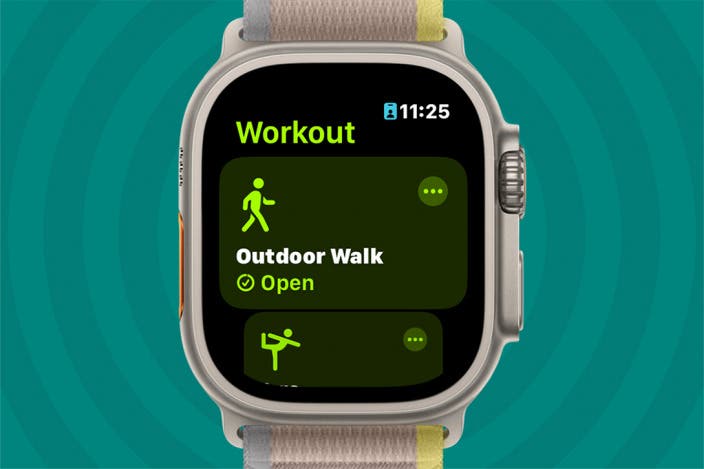
Begin your workout by tapping the correct activity on your watch. Wait for the countdown before starting to move. This ensures the watch records the full session. End your workout only when you have truly finished. Press the stop button to save the complete time. Avoid pausing or stopping early to prevent time errors.
Using Auto-pause And Auto-stop Features
Enable auto-pause to stop tracking during breaks automatically. This feature helps avoid adding rest time to your workout. Use auto-stop to end your workout when you stop moving. These settings keep your workout time clean and accurate. Check your watch settings to turn these features on. They improve time tracking without manual input.
Credit: www.iphonelife.com
Credit: medium.com
Frequently Asked Questions
Can I Change Workout Duration On Apple Watch?
No, Apple Watch does not allow direct editing of workout duration after completion. You can only view or delete workouts.
How To Adjust Workout Time On Apple Watch?
You cannot adjust workout time directly. Instead, use the Health app on iPhone to edit workout data manually.
Does Editing Workout Time Affect Activity Rings?
Yes, changing workout time in the Health app updates your activity rings accordingly, reflecting accurate exercise minutes.
Can I Add Missed Workout Time On Apple Watch?
You cannot add time to existing workouts. However, you can log a new workout with correct duration manually.
Conclusion
Editing workout time on your Apple Watch is limited but possible in some ways. You cannot directly change the time of a completed workout. Still, you can delete the workout and add a new one with the correct time using the Health app.
This method helps keep your workout records accurate. Remember, the Apple Watch aims to track real-time activity, so it does not support full manual edits. Understanding these options can help you better manage your fitness data and stay on track with your goals.







