
Are you ready to make the most out of your Planet Fitness membership by switching to a different home gym location? Whether you’ve moved, want a change of scenery, or need a gym closer to work, switching your home gym at Planet Fitness is easier than you might think.
In this guide, you’ll discover simple steps to switch smoothly without losing access to your favorite equipment and classes. Keep reading, and you’ll find out how to keep your workouts on track with zero hassle. Your fitness goals deserve a gym that fits your lifestyle perfectly.
Let’s get started!
Reasons To Switch Gyms
Deciding to switch your Planet Fitness home gym location can be driven by several practical reasons. Sometimes, the current gym no longer meets your needs or lifestyle. Recognizing these reasons can help you make a smoother transition and stay committed to your fitness journey.
Benefits Of Changing Locations
Switching to a different Planet Fitness location often means better convenience. A gym closer to your home or workplace can save you travel time, making workouts easier to fit into your day.
Different locations may offer varied equipment or class schedules. You might find a gym with newer machines or a quieter atmosphere that suits your workout style better.
Changing gyms can also refresh your motivation. A new environment can make your routine feel less repetitive and more exciting.
When To Consider A Switch
Think about switching if your current gym feels overcrowded during your usual workout times. Constant waiting for machines can disrupt your flow and reduce workout efficiency.
If you’ve recently moved or changed jobs, the distance to your gym might have become inconvenient. This can cause missed sessions and lost progress.
Also, evaluate if your gym’s hours align with your schedule. Limited or inconvenient hours could make maintaining a consistent routine difficult.
Have you noticed your workout motivation dipping due to your gym’s environment? It might be time to try a different location that better matches your energy and preferences.

Credit: turnto10.com
Preparing For The Switch
Switching your home gym to Planet Fitness requires checking membership options and nearby locations. Planning visits during off-peak hours helps ease the transition smoothly. Gathering your workout preferences ensures the new gym fits your needs well.
Switching gyms can feel like a fresh start, a chance to invigorate your fitness journey. If you’re considering moving to Planet Fitness, a little preparation can make the transition smoother. Here’s how you can gear up for the change and ensure your new fitness habitat fits like a glove.Check Membership Details
Before making the switch, take a close look at your current gym membership details. Are you locked into a contract, or is there a flexible cancellation policy? Understanding any potential fees or notice periods will help you plan your transition without unexpected costs. If you’re already a member of Planet Fitness, review the terms to see if you can transfer your membership to a different location. Sometimes, the process is as simple as a phone call or an online form. Knowing these details can save you time and hassle.Locate Nearby Planet Fitness Clubs
Once you know your membership status, the next step is finding the most convenient Planet Fitness location. Use the club locator on their website to search for nearby gyms. Consider factors like proximity to home or work, parking availability, and the vibe of the club itself. Visiting a few locations can be enlightening. You might discover that the one closest to you isn’t the perfect fit, while another a bit farther away has a more motivating atmosphere or better equipment. Make it an adventure—explore different clubs and see which one aligns best with your fitness goals and lifestyle. Switching gyms is not just about logistics; it’s about finding a place that inspires you to achieve your best self. Are you ready to make the move?Step-by-step Switching Process
Switching your Planet Fitness home gym is simpler than you might think. The process involves just a few clear actions that help you stay active without interruption. Understanding each part makes the move smooth and stress-free.
Contacting Customer Service
Start by reaching out to Planet Fitness customer service. You can do this via phone or through their official website chat option. Have your membership details ready to speed up the process and get personalized help.
Be clear about why you want to switch gyms. Whether it’s for convenience, better equipment, or closer location, explaining your reasons helps the representative assist you effectively.
Requesting A Club Transfer
Once connected, ask specifically about the club transfer process. Planet Fitness allows you to switch home gyms, but the procedures can vary depending on your membership type.
Request a transfer to your preferred location and confirm any fees or restrictions. Some memberships include free transfers, while others might require a small payment. Knowing these details upfront prevents surprises later.
Confirming The Transfer
After submitting your transfer request, wait for confirmation from Planet Fitness. This might come via email or phone call, depending on your communication preference.
Double-check the new gym’s details, like address, hours, and any specific rules. Visiting the new location beforehand can also help you feel more confident about the switch.
Have you ever hesitated to switch gyms because you weren’t sure about the steps? Taking control of your fitness journey starts with clear, manageable actions—your new gym is just a few conversations away.

Credit: powerliftingtechnique.com
Saving Time During The Switch
Switching your home gym to Planet Fitness can feel overwhelming, especially when you want to avoid wasting time. Saving time during this transition means planning smartly and using the resources available to you. How you schedule your visits and use online tools can make a big difference in making your switch smooth and efficient.
Scheduling Visits Efficiently
Picking the right time to visit Planet Fitness helps you avoid long waits and crowded hours. Early mornings or late evenings usually have fewer members, so you can quickly get your orientation and access your preferred equipment.
Consider combining your visits with other errands or work breaks. This way, you reduce the number of trips and save valuable time. Have you thought about which days you feel most energized? Align your visits with those days to maximize your workouts and minimize wasted time.
Using Online Tools
Planet Fitness offers online tools that can save you hours during your switch. Use the mobile app or website to book your orientation session, check class schedules, and even track your workouts.
These tools let you skip waiting in lines or making phone calls. You can also explore virtual tours of the gym, which helps you familiarize yourself with the layout before your first visit. Have you tried setting reminders for your gym sessions through these apps? It’s a simple way to stay consistent without overthinking your schedule.
Tips For A Smooth Transition
Switching your home gym to Planet Fitness can feel challenging. Small steps ease the change. Preparing well helps keep your workouts steady. Focus on packing your essentials and adjusting your routines. These tips make the move smoother and keep your fitness on track.
Packing Gym Essentials
Gather all important items before the switch. Include workout clothes, shoes, and any special gear. Pack a water bottle and a towel for comfort. Don’t forget headphones or a fitness tracker if you use one. Keep your gym bag ready for easy trips to Planet Fitness.
- Comfortable workout clothes
- Supportive shoes
- Water bottle and towel
- Headphones or earbuds
- Fitness tracker or smartwatch
- Personal hygiene items
Adjusting Workout Routines
Planet Fitness offers different machines and classes. Review your old routine and match it with new options. Start with familiar exercises to build confidence. Try new classes to add variety. Set realistic goals for your first weeks. Keep track of your progress to stay motivated.
Maximizing Benefits At Your New Gym
Switching to a new Planet Fitness location offers a fresh start and a chance to make the most out of your workouts. The key to truly benefiting is to actively engage with what your new gym has to offer. You can boost your fitness progress by trying new equipment and joining classes that fit your schedule and goals.
Exploring New Equipment
Every Planet Fitness has a unique layout and some different machines. Take time to walk around and test the equipment you haven’t used before. This might include strength training machines you skipped at your old gym or cardio machines with new features.
Try mixing up your routine by adding equipment like the rowing machine or the stair climber. These can challenge your body in new ways and break the boredom. Have you noticed how changing your workout tools can make exercise feel less like a chore?
Joining Classes And Events
Planet Fitness offers various classes and events that can add fun and motivation to your fitness journey. Check the schedule regularly and pick classes that excite you, whether it’s yoga, HIIT, or circuit training.
Joining group activities helps you meet new people and stay accountable. When was the last time a workout class pushed you harder than you expected? These sessions can inspire you to reach new fitness levels while keeping things social.
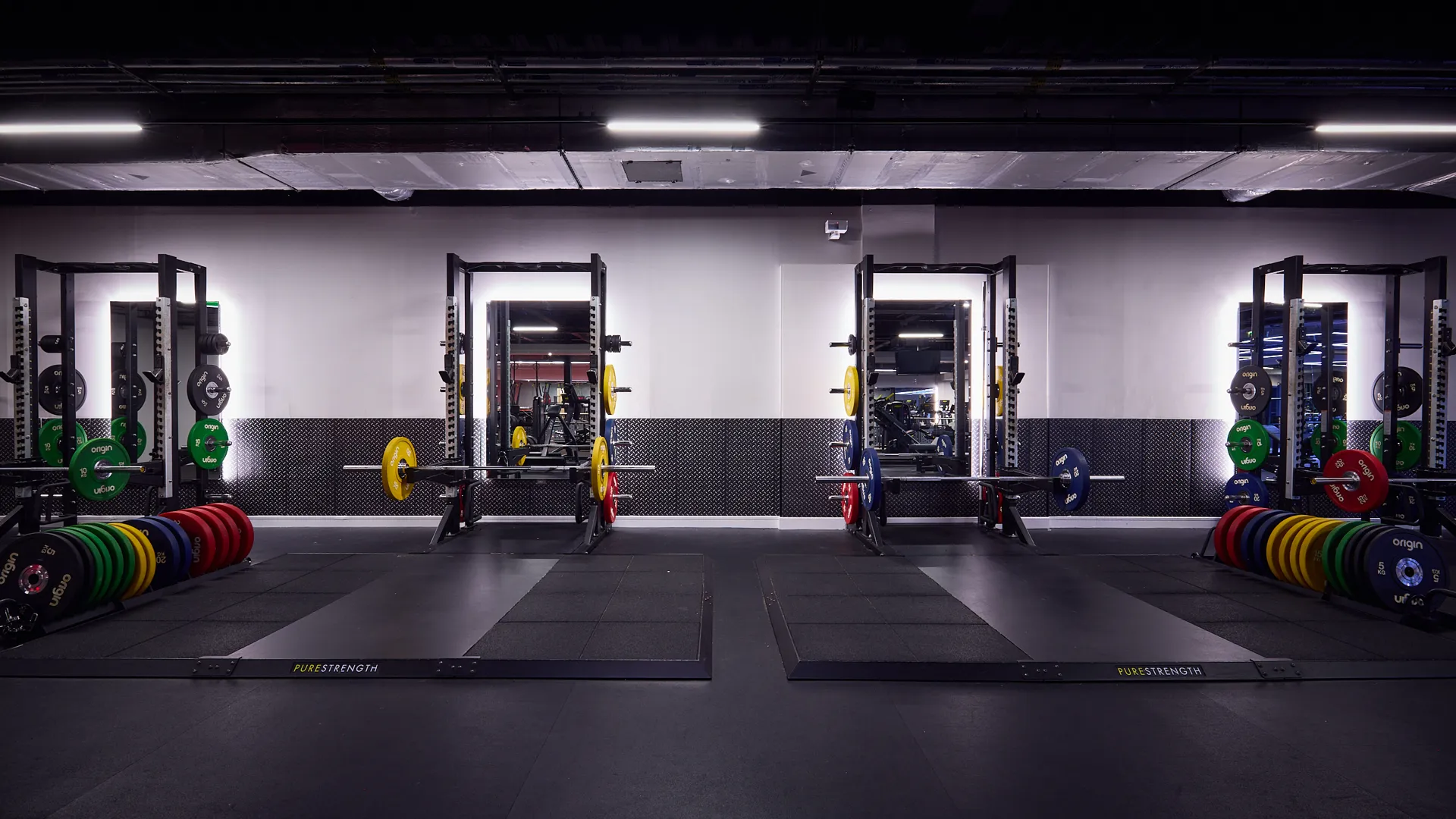
Credit: harubina.co.jp
Frequently Asked Questions
How Can I Switch My Planet Fitness Home Gym Location?
To switch your home gym location, log in to your Planet Fitness account. Then, update your preferred home club under membership settings. You can also call customer service for assistance with the switch.
Will Switching Planet Fitness Home Gyms Affect My Membership?
Switching home gyms does not affect your membership status. Your billing and membership benefits remain the same. You simply gain access to a new home club location.
Are There Any Fees For Changing Planet Fitness Home Gyms?
No, Planet Fitness does not charge a fee for switching your home gym location. This service is included in your membership at no extra cost.
How Long Does It Take To Switch Home Gyms At Planet Fitness?
Switching your home gym usually takes 24 to 48 hours to process. After updating your preference, your new home club access will be activated promptly.
Conclusion
Switching your home gym to Planet Fitness can be simple and smooth. Start by checking your current membership details. Choose the Planet Fitness location closest to you. Visit the new gym and ask about membership transfer steps. Keep your goals clear and stay consistent with workouts.
Enjoy the friendly environment and available equipment. Small changes can lead to better fitness results. Stay motivated and make the most of your new gym. Your health journey continues with smart choices and steady effort.







